
DEVICE COMPATIBILITY
Will an eSIM work on
your phone?
Choose your brand and model, then check that your specific phone is unlocked and ready for a travel eSIM.
The two-minute check
Two things your phone needs.
Check both on the actual device you'll travel with.
eSIM support
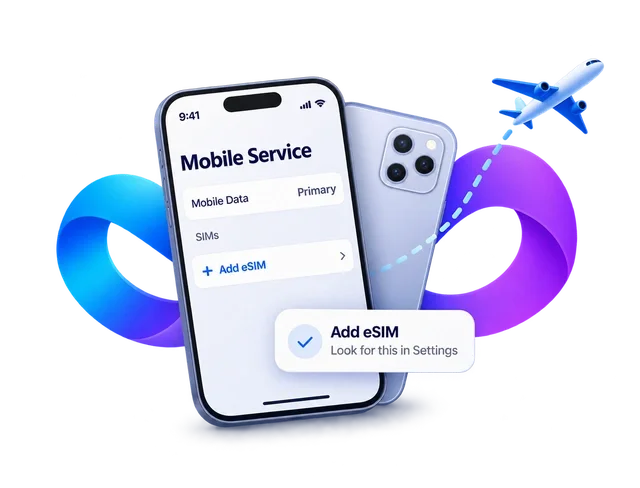
Open the relevant settings and look for an option to add an eSIM.
- iPhone
- Settings › Mobile Service or Cellular › Add eSIM
- Samsung Galaxy
- Settings › Connections › SIM manager › Add eSIM
- Google Pixel
- Settings › Network & internet › SIMs › Add SIM › Set up an eSIM
A carrier-unlocked phone
An unlocked phone can accept a plan from a different provider.
- iPhone
- Settings › General › About. Carrier Lock should read "No SIM restrictions".
- Android
- Ask your current carrier to confirm your exact model is unlocked.
Menu labels vary by software version and region.AppleSamsungGoogle
Still checking your device?
Look up your exact model number if you bought your phone abroad or through a carrier.
Use the settings checks above. If you can’t find Add eSIM, ask the device maker or carrier whether your exact model and regional version support eSIM.
Yes. Hardware sold in different markets can have different SIM features. Carrier locks can also vary from phone to phone.
On a compatible dual-SIM phone, you can usually keep your home line for calls and texts and select your travel eSIM for data. Your home carrier’s charges may still apply.
Phone ready? Pick your destination.
Compare country, regional and global plan examples.
